***
title: Phone Numbers & PSTN
subtitle: Use PSTN numbers for inbound entry points and outbound caller ID
--------------------------------------------------------------------------
## Overview
To make and receive calls to public mobile and landline numbers, attach a phone number to your Voximplant application.
For inbound calls, this number is your entry point. For outbound PSTN calls, this number is your caller ID.
## Buy a number
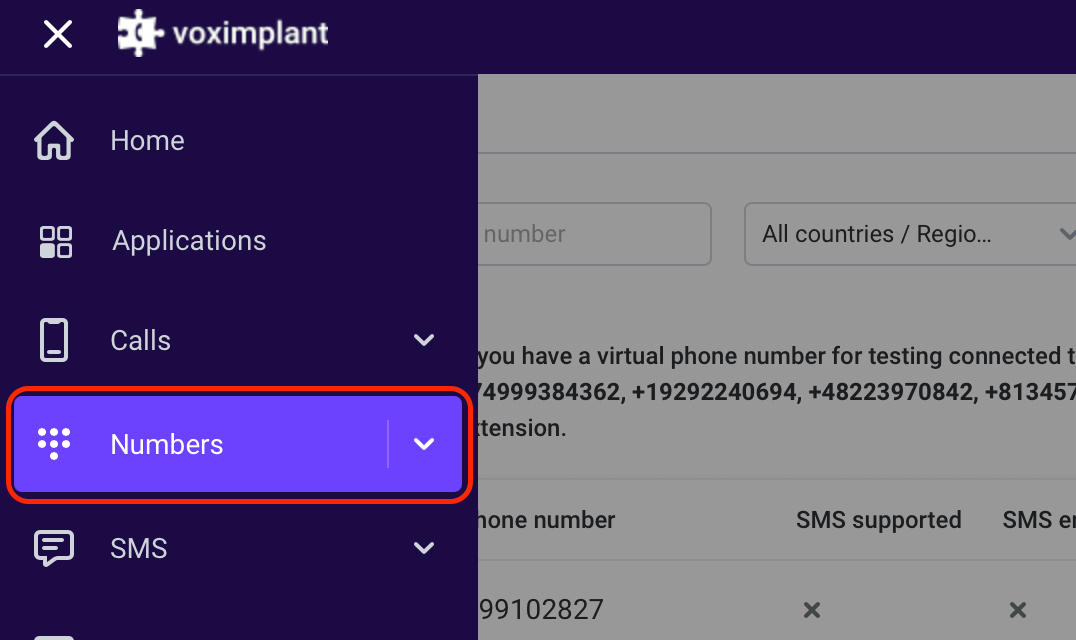
In [manage.voximplant.com](https://manage.voximplant.com), open **Numbers** from the main menu.
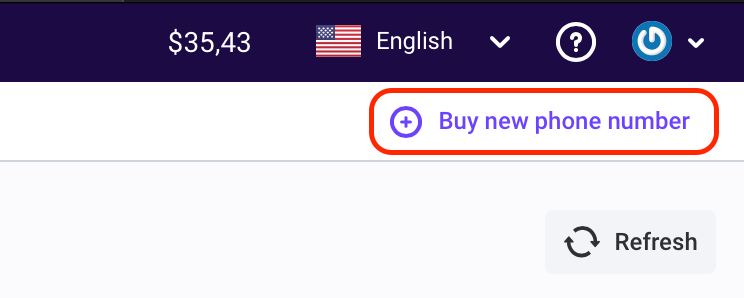
Click **Buy a new phone number**.
Choose country/region and select either real or test numbers.
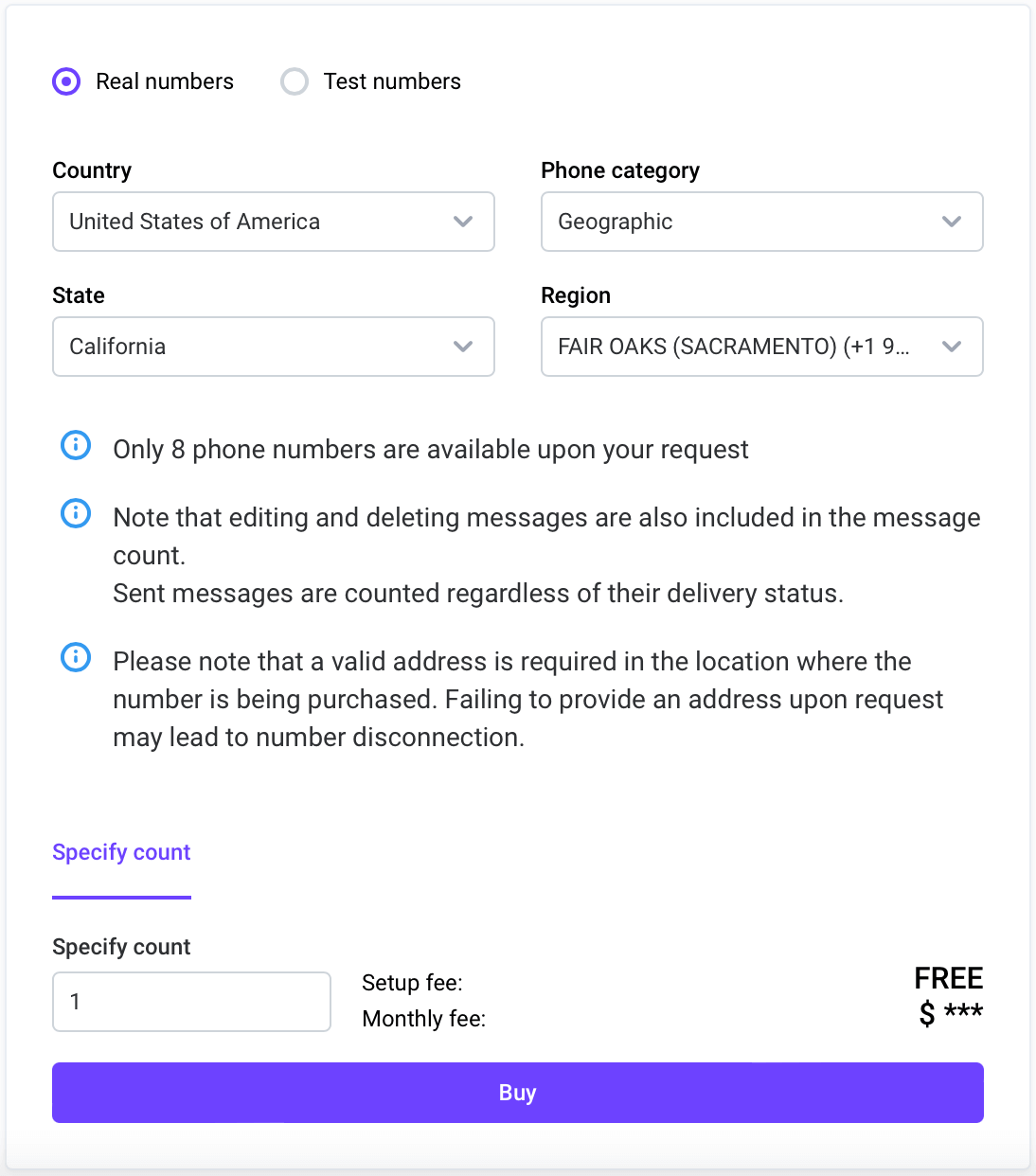
Some regions require additional verification steps to buy real numbers.
Test numbers require extra dialing steps and cannot be used as outbound caller ID.
We recommend starting with a real number.
## Attach the number to your application
Go to **Applications**, select your app, then open the **Numbers** tab.
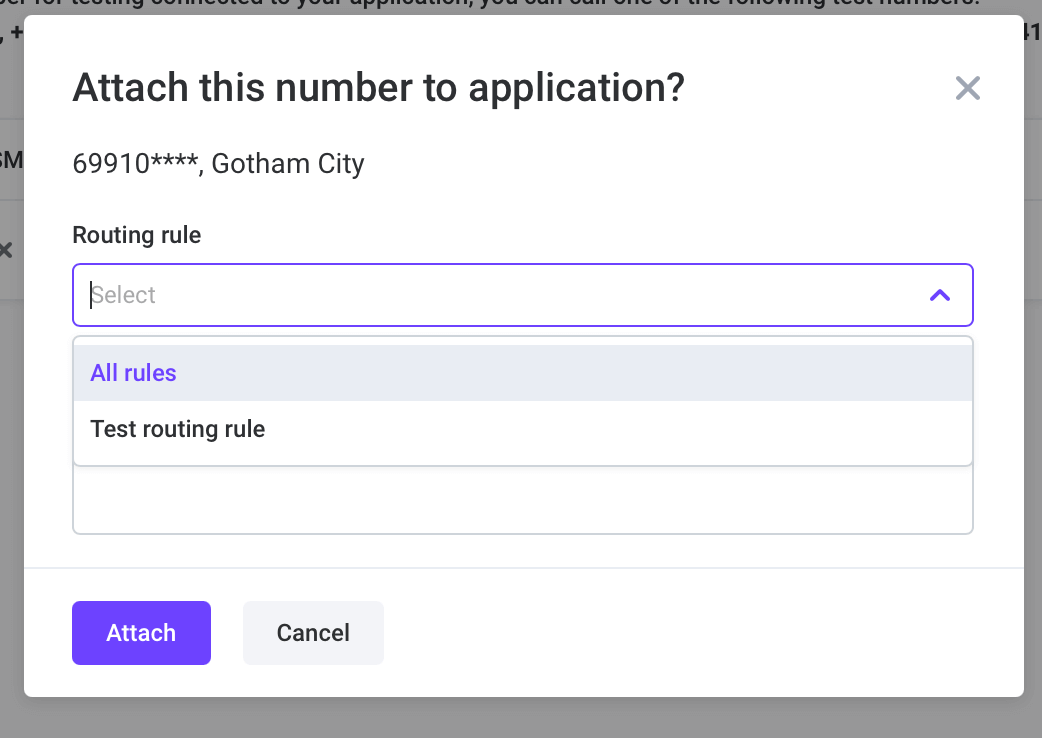
Select an available number and click **Attach**.
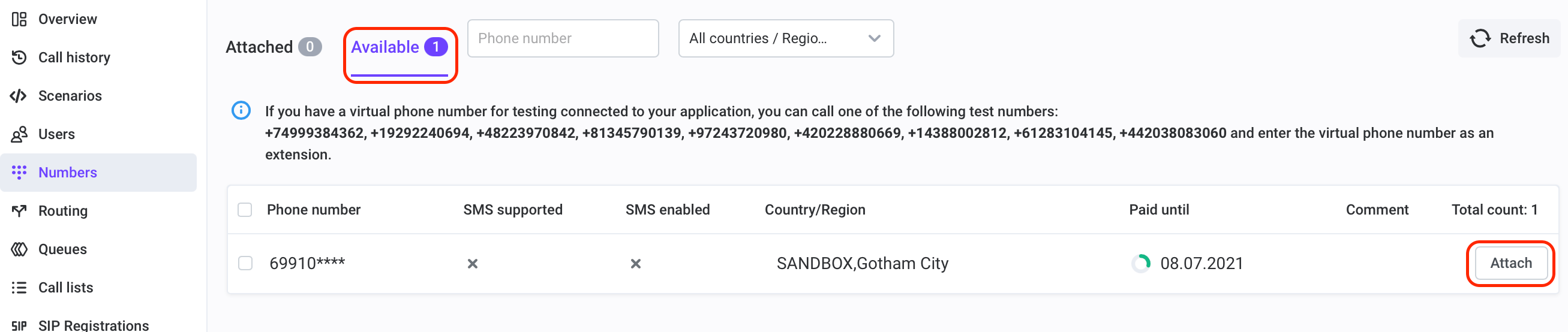
Attach a routing rule now or configure it after.
### Outbound specifics
For outbound PSTN, place calls with `VoxEngine.callPSTN(destination, callerId)` and use a valid rented/verified caller ID.
```js title="Outbound PSTN"
const call = VoxEngine.callPSTN("+15551234567", "+15557654321");
```
#### More information:
* [Phone numbers basic concepts](https://voximplant.com/docs/getting-started/basic-concepts/phone-numbers)
* [VoxEngine Call class](https://voximplant.com/docs/references/voxengine/call)
* [VoxEngine.callPSTN](https://voximplant.com/docs/references/voxengine/voxengine/callpstn)