***
title: Web & Native
subtitle: Use Voximplant users and SDKs for browser and mobile app calling
--------------------------------------------------------------------------
## Overview
For web and mobile calling, create Voximplant app users and authenticate with Voximplant SDKs.
This is the standard path for in-app calls, authenticated customer sessions, and app-to-app voice AI experiences.
Core users guide:
* [Users basic concepts](https://voximplant.com/docs/getting-started/basic-concepts/users)
## Create app users
You can create users in Control Panel or via Management API.
In Control Panel, open **Applications**, select your app, then open **Users**.
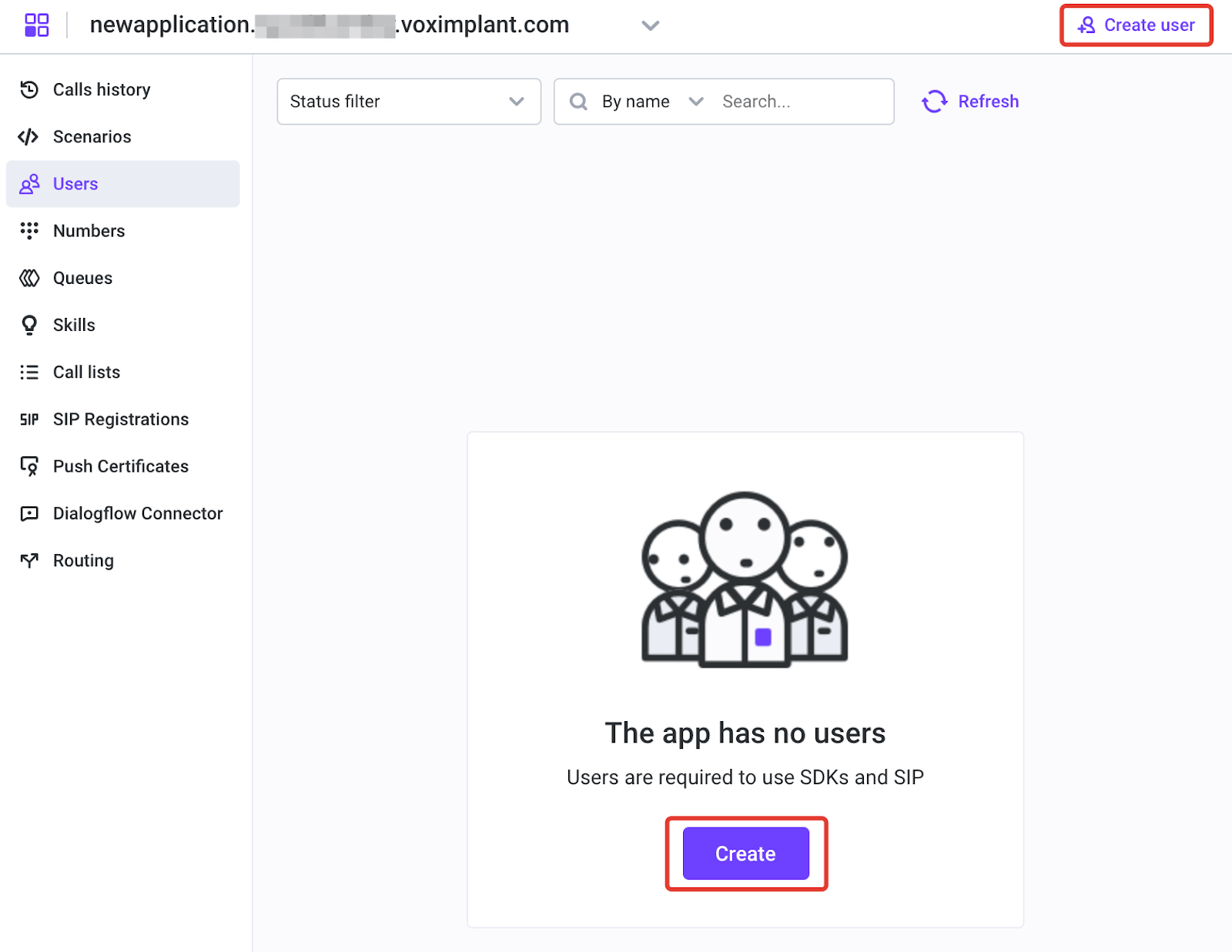
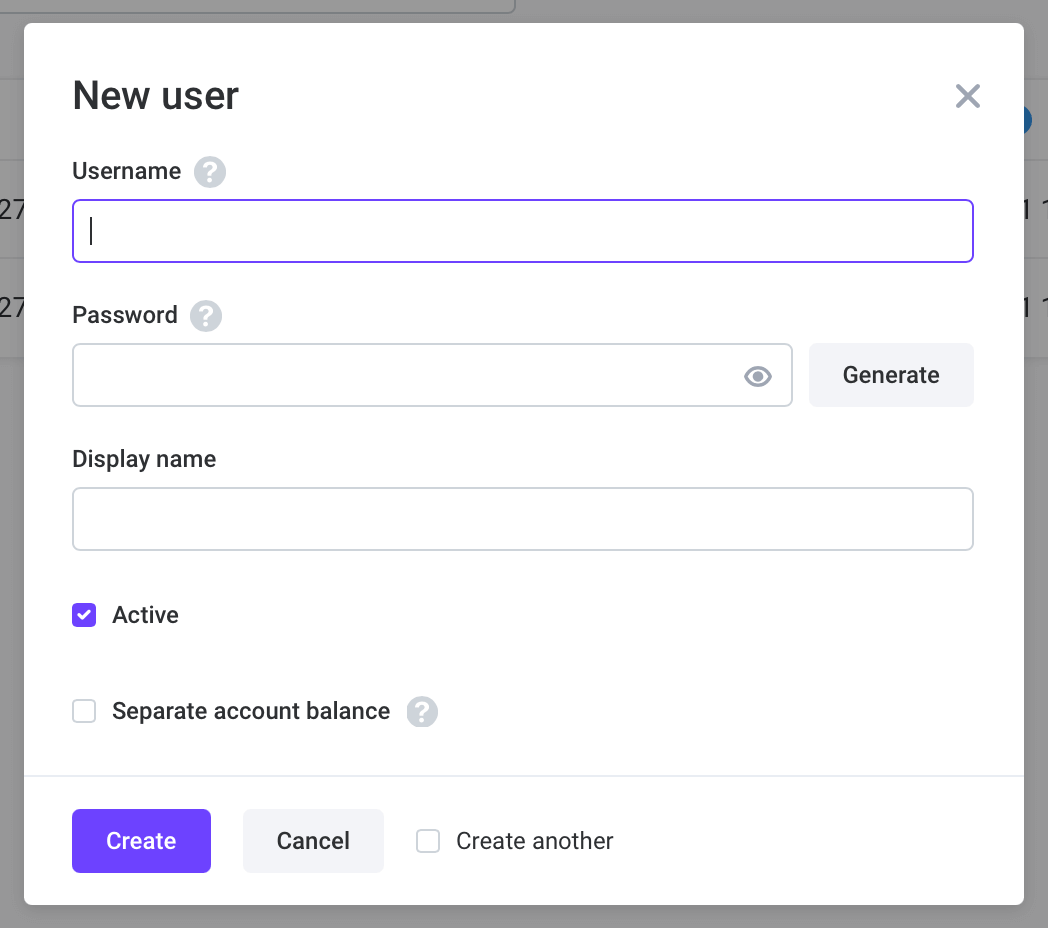
Set username, password, and display name, then create the user.
Route inbound app-user calls by alias to the target Voice AI scenario.
## SDK options
* [Web SDK guide](https://voximplant.com/docs/getting-started/platform/web)
* [iOS SDK guide](https://voximplant.com/docs/getting-started/platform/ios)
* [Android SDK guide](https://voximplant.com/docs/getting-started/platform/android)
* [React Native SDK guide](https://voximplant.com/docs/getting-started/platform/react-native)
* [Flutter SDK guide](https://voximplant.com/docs/getting-started/platform/flutter)
## Outbound specifics
Use `VoxEngine.callUser()` to place outbound calls to Voximplant user aliases.
```js title="Outbound to app user"
const call = VoxEngine.callUser({
username: "alice",
callerid: "voice-ai-app"
});
```
#### More information:
* [Processing calls in scenarios guide](https://voximplant.com/docs/guides/calls/scenarios)
* [VoxEngine Call class](https://voximplant.com/docs/references/voxengine/call)
* [Users basic concepts](https://voximplant.com/docs/getting-started/basic-concepts/users)
* [VoxEngine.callUser](https://voximplant.com/docs/references/voxengine/voxengine/calluser)
* [AddUser Management API](https://voximplant.com/docs/references/httpapi/users#adduser)
* [Platform SDK quickstart index](https://voximplant.com/docs/getting-started/platform)