***
title: WhatsApp
subtitle: Connect WhatsApp Business calling to Voximplant scenarios
-------------------------------------------------------------------
## Overview
WhatsApp integration lets you process WhatsApp calls/messages with VoxEngine logic and route them to your Voice AI scenarios.
Use the integration flow to connect Meta credentials, complete verification, and attach numbers.
## Setup flow
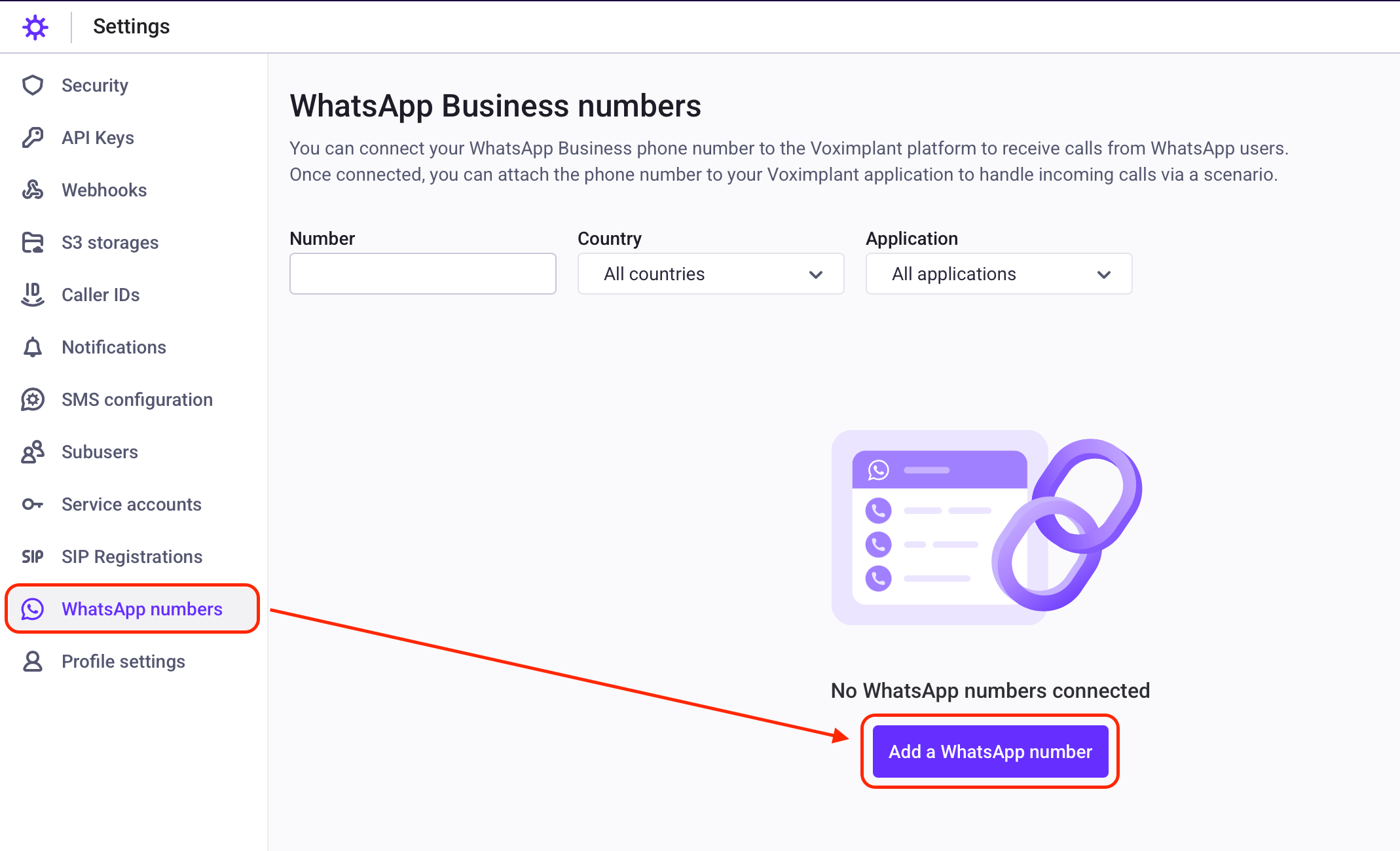
Start with the Voximplant WhatsApp integration guide and connect your account.
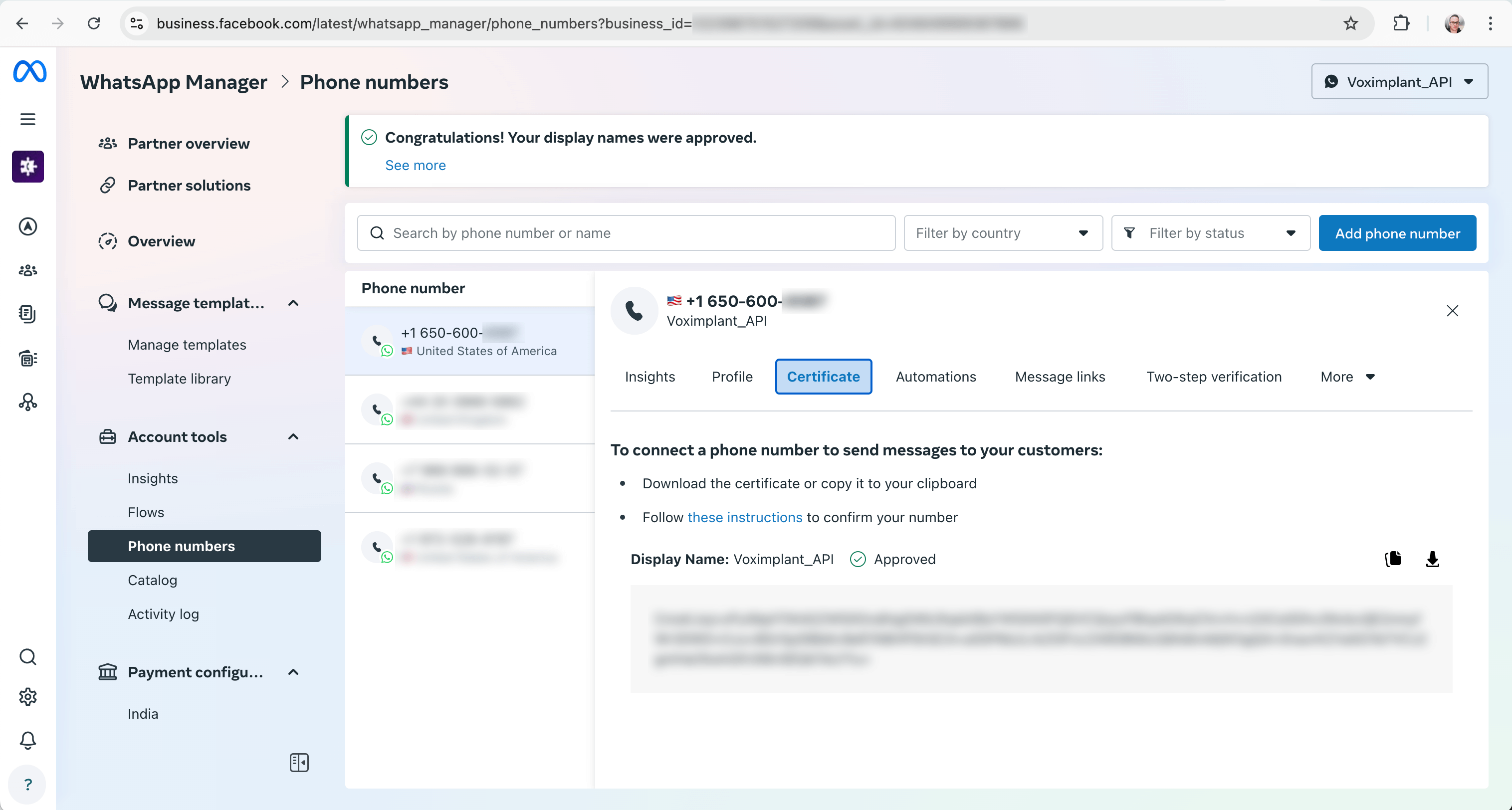
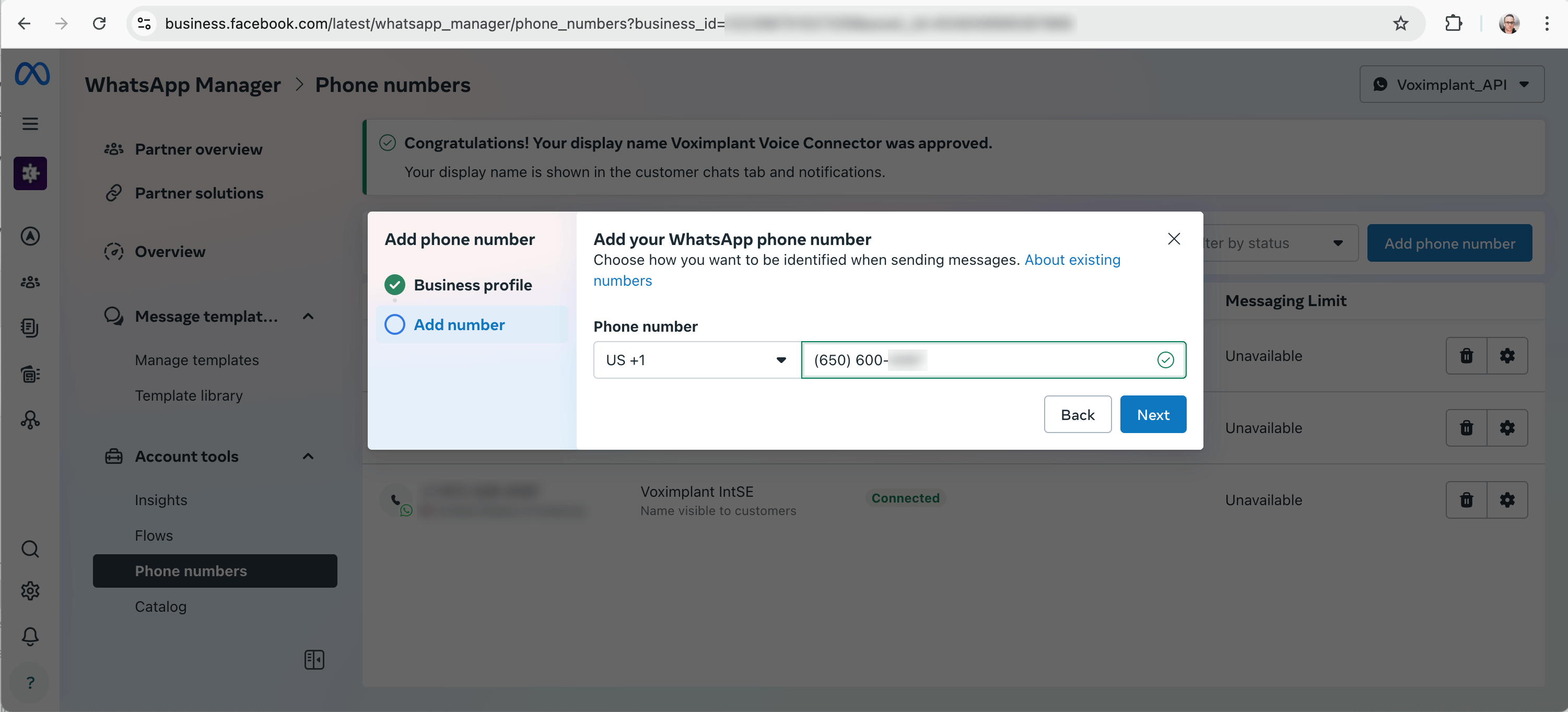
Follow the registration and verification flow for your WhatsApp Business setup.
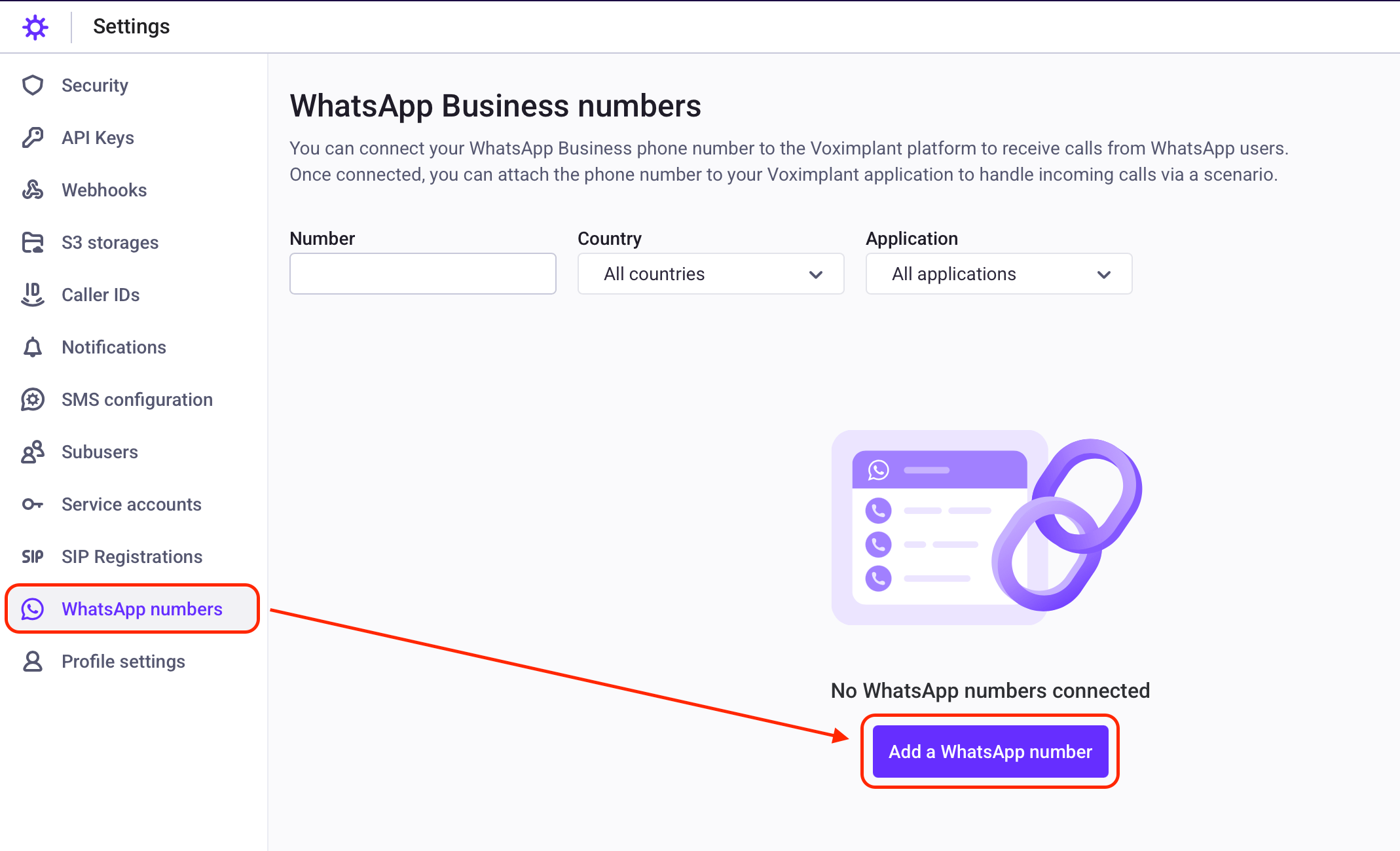
Attach the WhatsApp number and map routing to your scenario.
Setup references:
* [WhatsApp integration guide](https://voximplant.com/docs/guides/integrations/whatsapp)
* [WhatsApp integration walkthrough video](https://www.youtube.com/watch?v=HgJqTYfWq30)
## Outbound specifics
Use `VoxEngine.callWhatsappUser()` for outbound WhatsApp calls from your scenario.
```js title="Outbound WhatsApp"
const call = VoxEngine.callWhatsappUser({
number: "+15551234567",
callerid: "15557654321"
});
```
Outbound walkthrough:
* [Outbound WhatsApp calling video](https://www.youtube.com/watch?v=K5PmVQJGoLc)
#### More information:
* [Processing calls in scenarios guide](https://voximplant.com/docs/guides/calls/scenarios)
* [VoxEngine Call class](https://voximplant.com/docs/references/voxengine/call)
* [WhatsApp integration guide](https://voximplant.com/docs/guides/integrations/whatsapp)
* [VoxEngine.callWhatsappUser](https://voximplant.com/docs/references/voxengine/voxengine/callwhatsappuser)
* [WhatsApp integration walkthrough video](https://www.youtube.com/watch?v=HgJqTYfWq30)
* [Outbound WhatsApp calling walkthrough video](https://www.youtube.com/watch?v=K5PmVQJGoLc)