

Choosing a phone number for SMS
Choose a phone number for sending and receiving SMS.
If you want to send and receive SMS in Voximplant, make sure that the chosen region and phone category support SMS functionality when purchasing a phone number. Note that virtual numbers do not support SMS.
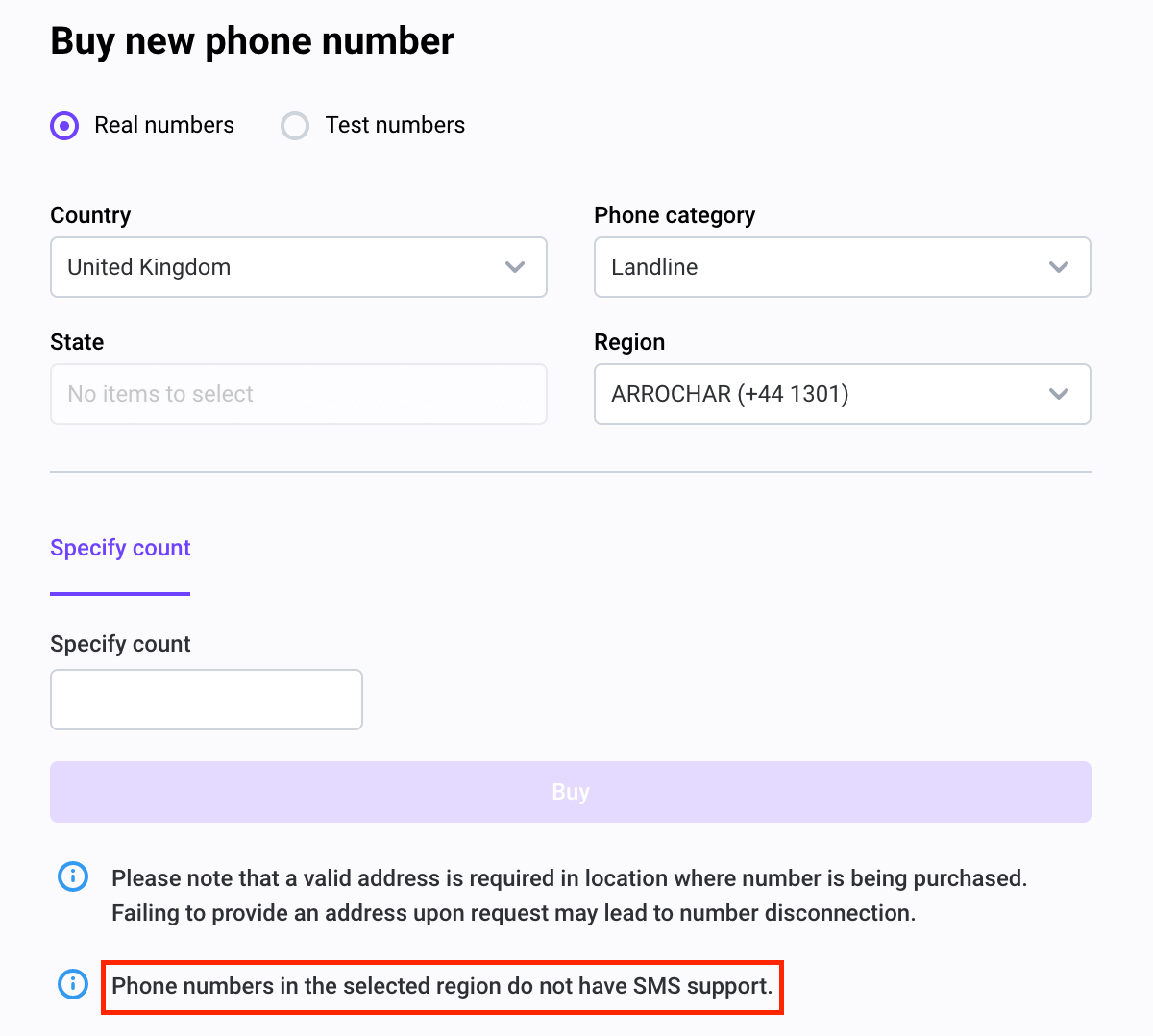
To check if the number is suitable, go to the numbers section in your control panel, click buy a new phone number, and select a number. If the selected number does not support SMS, the following note appears:
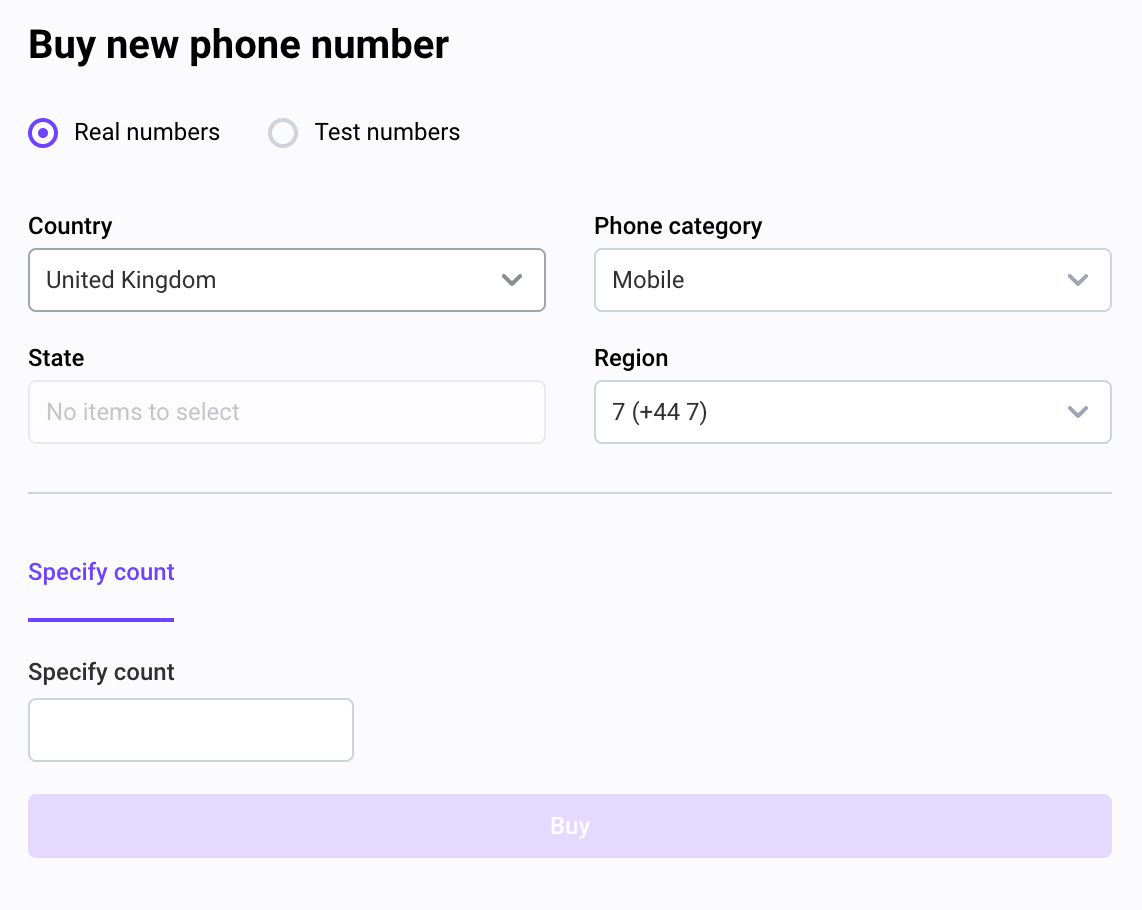
If you do not see this message, the number supports SMS functionality:
HTTP API request
You can check which numbers support SMS via the GetPhoneNumbers HTTP request with country_code and phone_category_name. If the is_sms_supported property equals to true in the returned object, the phone numbers in this region support SMS.
HTTP request — Request
HTTP request — Response