Phone Numbers & PSTN
Use PSTN numbers for inbound entry points and outbound caller ID
Overview
To make and receive calls to public mobile and landline numbers, attach a phone number to your Voximplant application. For inbound calls, this number is your entry point. For outbound PSTN calls, this number is your caller ID.
Buy a number
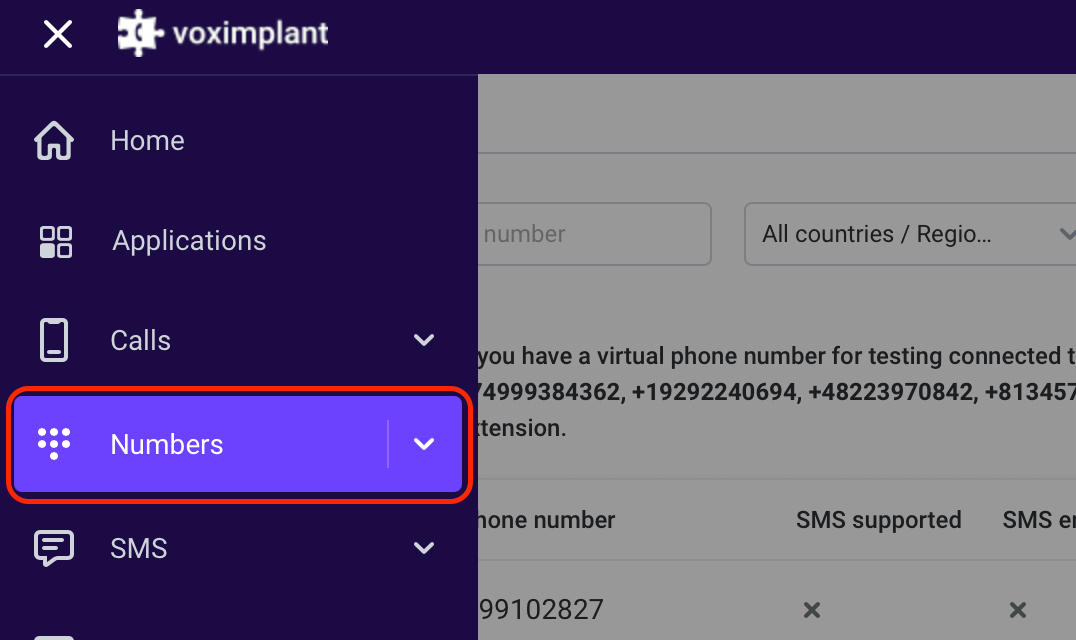
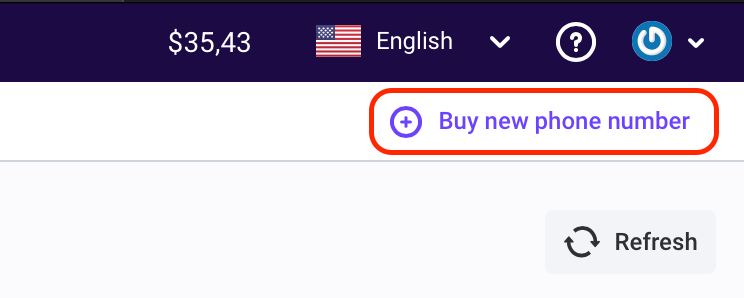
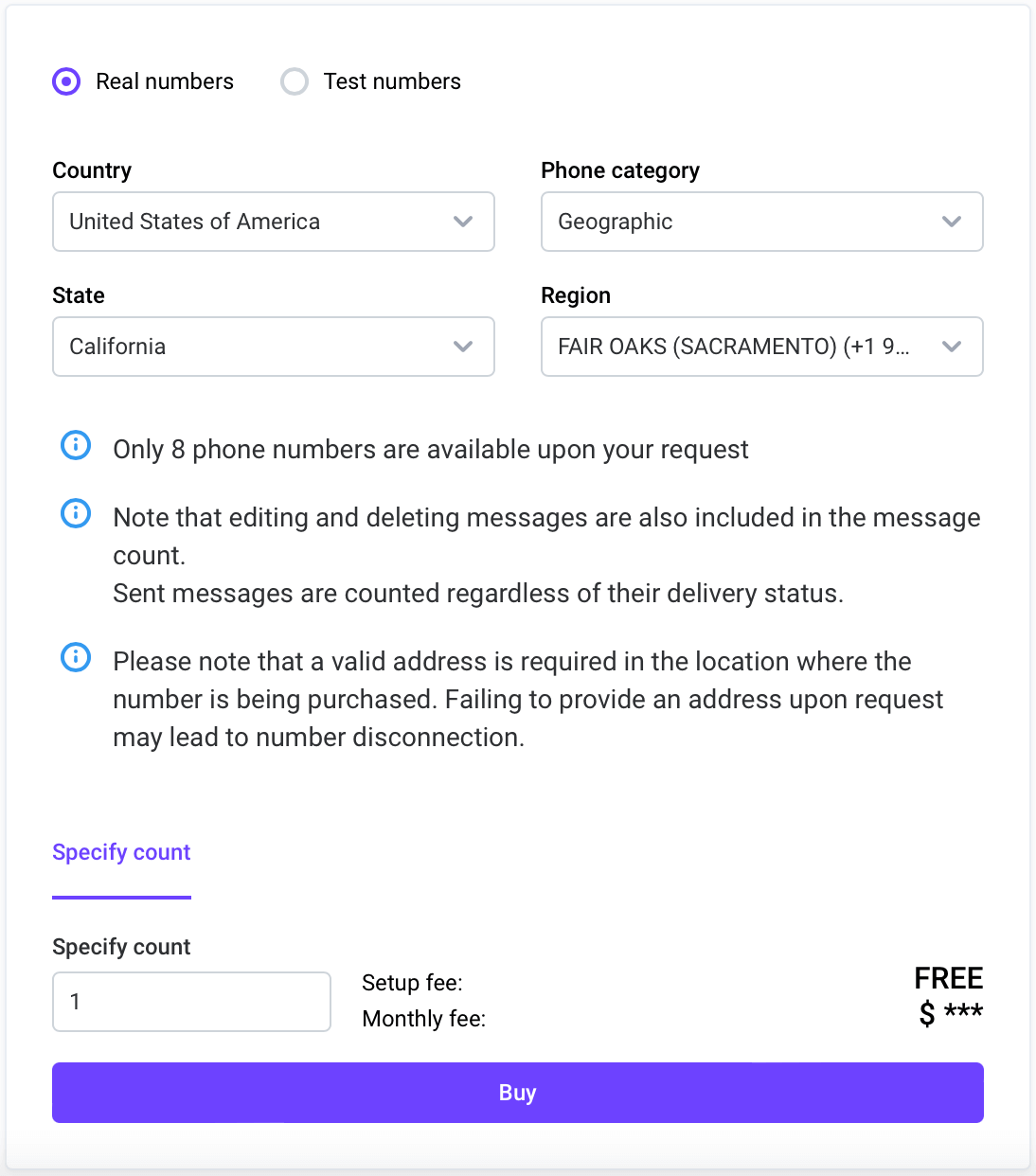
Some regions require additional verification steps to buy real numbers.
Test numbers require extra dialing steps and cannot be used as outbound caller ID. We recommend starting with a real number.
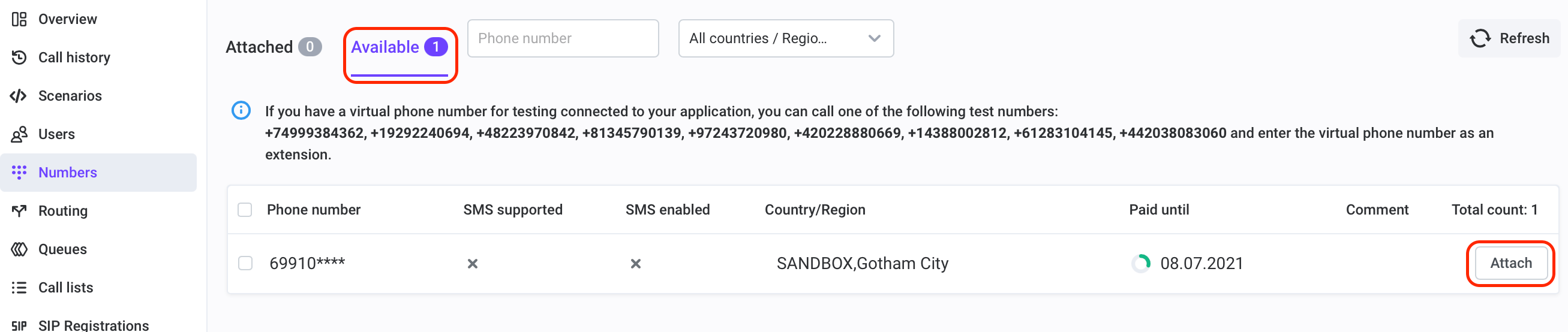
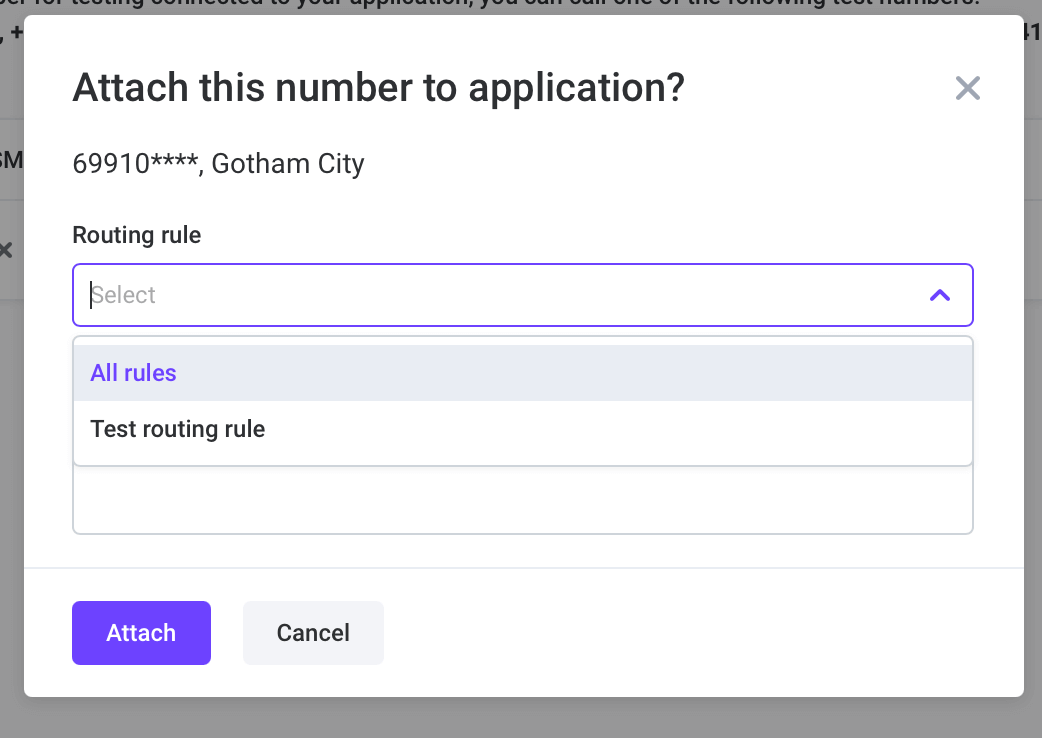
Attach the number to your application
Outbound specifics
For outbound PSTN, place calls with VoxEngine.callPSTN(destination, callerId) and use a valid rented/verified caller ID.
Outbound PSTN
