Web & Native
Use Voximplant users and SDKs for browser and mobile app calling
Overview
For web and mobile calling, create Voximplant app users and authenticate with Voximplant SDKs. This is the standard path for in-app calls, authenticated customer sessions, and app-to-app voice AI experiences.
Core users guide:
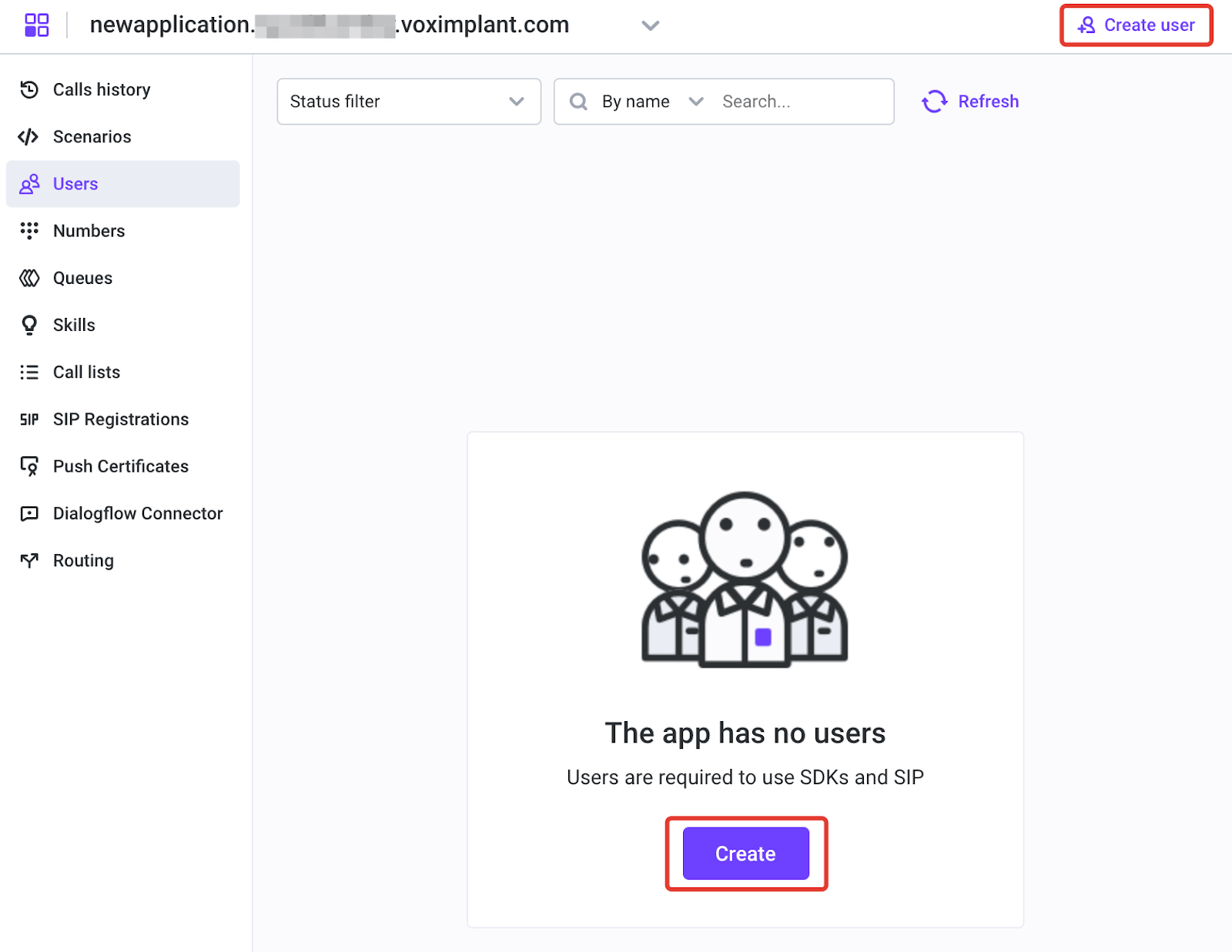
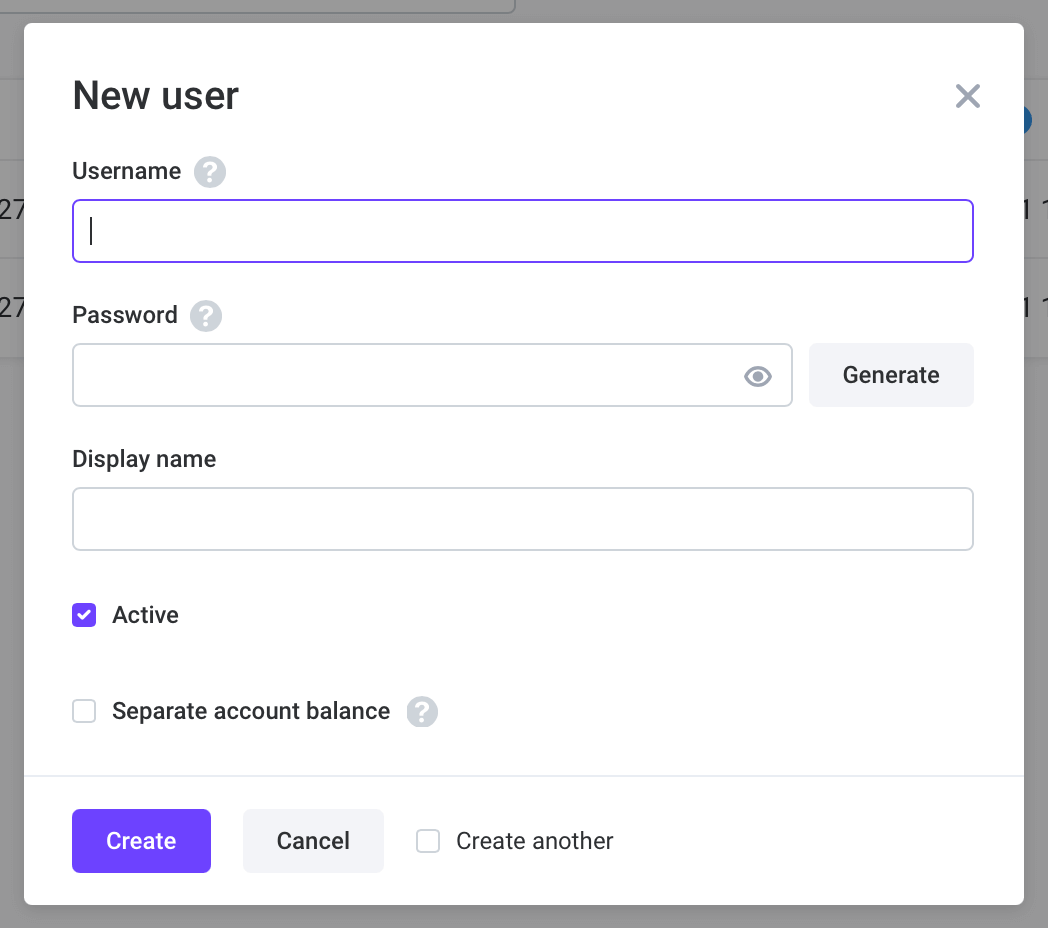
Create app users
You can create users in Control Panel or via Management API.
SDK options
Outbound specifics
Use VoxEngine.callUser() to place outbound calls to Voximplant user aliases.
Outbound to app user
