

Accessing secure logs and recordings
When creating (or editing) an application, you get to choose how to store your logs and recordings. We recommend that you enable the secure mode, so your logs and recordings are not accessible to everyone via the link.
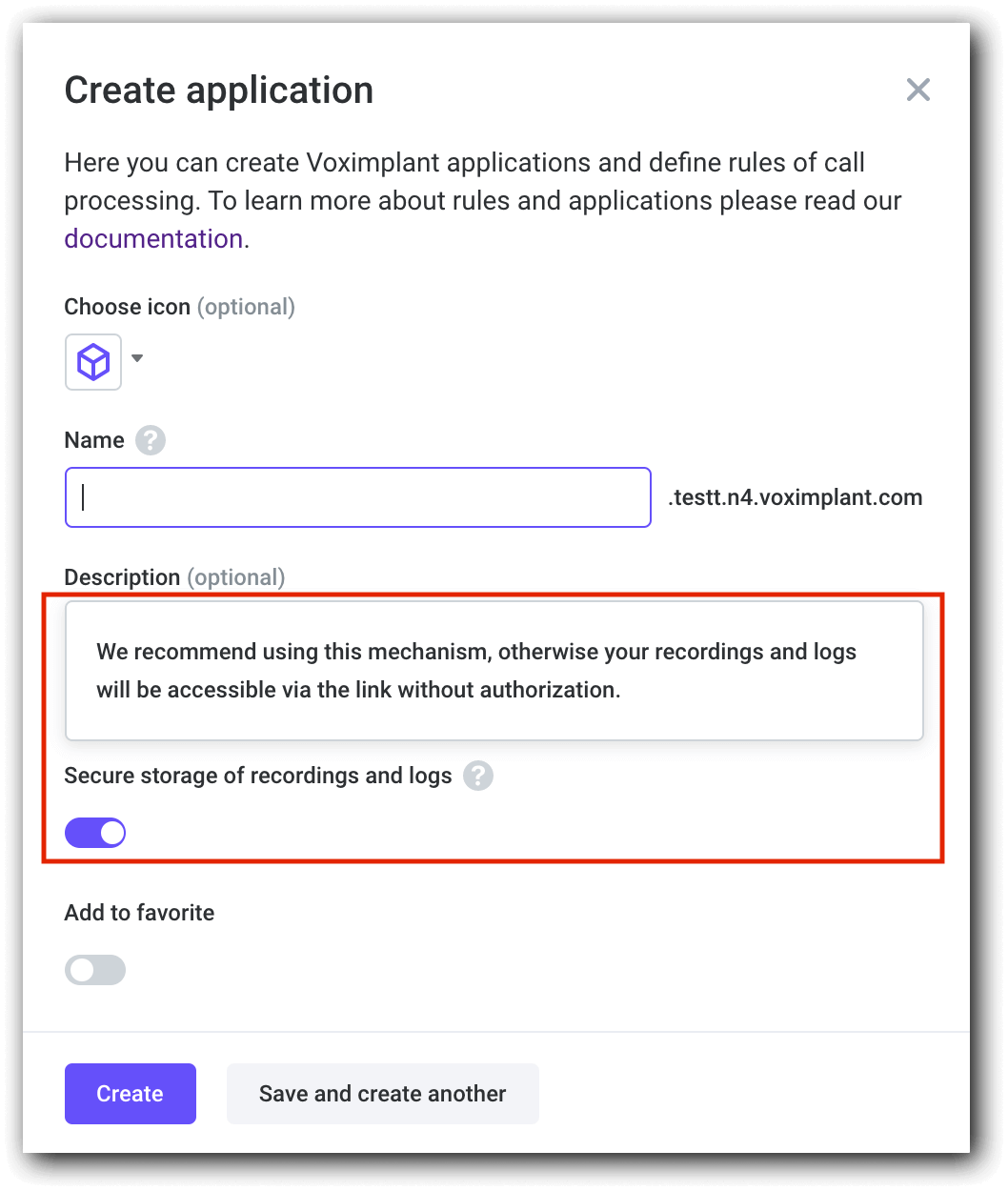
You can do the same using the AddApplication and SetApplicationInfo methods of our management API.
If you do not choose the secure mode when creating an app, you can enable in your scenario using the secure parameter of VoxEngine.createRecorder.
Recordings support the Range HTTP request header. It indicates the part of a document that the server should return. Use it for large recordings, so you do not have to wait for the whole video to load, but instead can load it in parts.
Secure objects (recordings and logs) require authorization. You can authorize with:
- A service account
- An API key (deprecated)
The first option is preferable. A service account is a way to grant access to the Voximplant Management API on behalf of your main account. Here is how you can access secure objects:
- Create a new service account and generate a JSON with credentials in the control panel (Add → Generate a key).
To access logs, you need to choose one of these roles when adding an account: owner, developer, admin, supervisor, or support. For recordings, any role (or no role) is acceptable.
- If you are going to make a request using cURL, create a JSON Web Token (click the link to learn how).
- Make a request to a secure object using one of the API clients.
Curl sample
When you generate the token, make a simple curl request to obtain your recording:
You can save the recording or log to a file by adding -o file_name.file_format to your request:
Python sample
Some API SDKs have special functions for adding auth data to requests to download recordings, like VoximplantAPI.build_auth_header in Python. Here is how one can use it to obtain a secure object:
To save a recording, you can add this code to your python script:
To save a log – this code: